
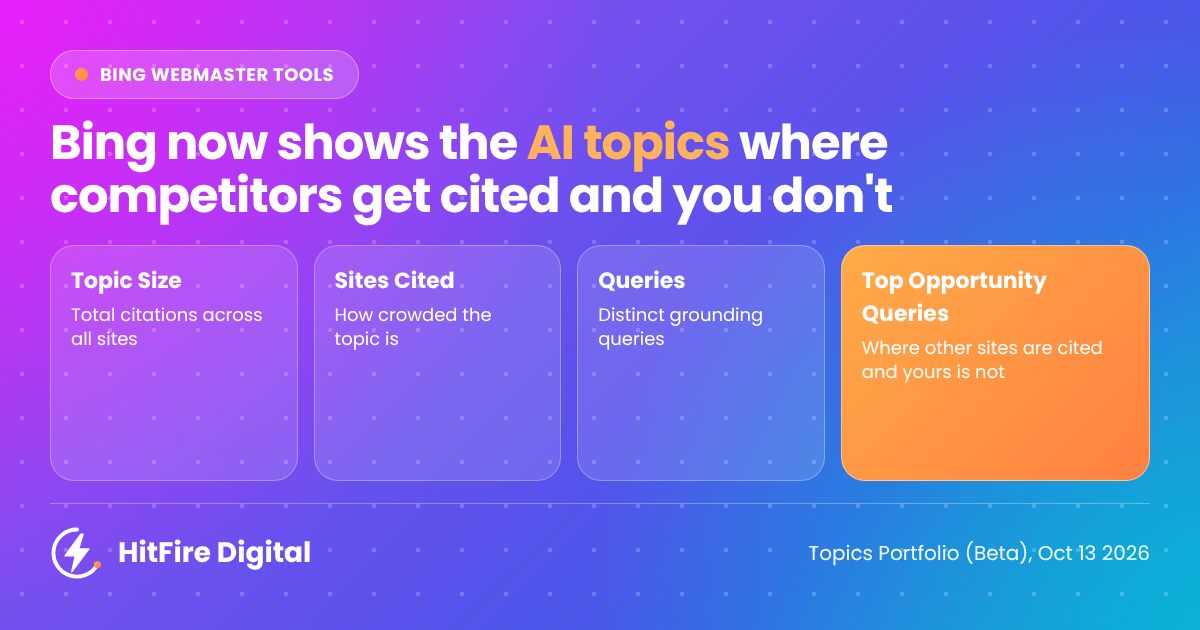
Most AI visibility tools guess at which prompts matter. Bing’s new Topics Portfolio, added to the AI Performance report in Bing Webmaster Tools on 13 October 2026, uses real grounding data instead: the queries Bing’s AI actually used when it cited your site, and the ones where it cited your competitors but not you.
It’s in beta, it has limits, and it only covers Bing. But it’s the first free, first-party list of AI citation gaps I’ve seen from a search engine. Here’s what each metric means, and how I turn the Opportunity Queries list into a content plan.
What Topics Portfolio is (and when you’ll see it)
Topics Portfolio groups the grounding queries where your site appears into broader themes, such as “football”, “taxes,” or “AI chatbots”. Instead of scrolling a long list of individual queries, you see which subjects Bing’s AI associates with your site and how much competition there is in each.
To find it, open Bing Webmaster Tools, go to AI Performance, and look for the Topics Portfolio tab next to Citations & Pages. You can view a one-, two-, or three-month window.
One catch: it only appears “if there is sufficient data for your site”. Bing also hides topics where your presence or the wider activity is too thin, so smaller sites may see only a few topics, or none yet. If that’s you, keep building citations and check back.
Topic Size, Sites Cited and Queries: demand vs competition
Each topic row gives you three approximate numbers. Read together, they tell you whether a topic is worth fighting for.
| Metric | What Bing says it measures | How I read it |
|---|---|---|
| Topic Size | Approximate total citations across all sites for the topic in your chosen period | Demand. A big number means Bing’s AI answers a lot of questions on this subject. |
| Sites Cited | Approximate number of sites appearing for queries in the topic | Competition. Bing says it “indicates how crowded the topic is”. |
| Queries | Approximate number of distinct grounding queries in the topic | Breadth. More queries means more angles you could cover. |
The sweet spot is a topic with a large Topic Size and a modest Sites Cited count: lots of demand, not too many sites sharing it. A huge topic with hundreds of cited sites is harder to win, and is usually where the big publishers already sit.
Click into a topic and you get three cards (Topic Size, your own citations in that topic, and the query count) plus two tables: Your Grounding Queries, where you already appear, and Opportunity Queries, where you don’t.
Top Opportunity Queries: your AI citation gap list
This is the part I’d go to first. Below the topic table, Bing lists “the strongest queries across your whole portfolio where other sites appear and yours does not.”
In other words: real questions, already being answered by Bing’s AI, using sources that aren’t you. Most AI visibility tools have to estimate this by running prompts and hoping they match what people ask. This list comes from Bing’s own grounding data.
The citation volumes for these queries are shown as ranges, not exact counts, so use them to rank opportunities rather than to forecast traffic.
When I work through the list, I sort each query into one of three buckets:
- We have a page, but it isn’t cited. The answer exists but is buried, vague or out of date. Fix the page.
- We have nothing on it. A genuine content gap. Brief a new page or section.
- Not for us. Off-topic, or a competitor’s branded query (more on that below). Skip it.
Turning opportunity queries into briefs, FAQs and page updates
Bing’s own advice is to start with the topics where your citations are already concentrated, then work down the opportunity queries. I agree. You’re more likely to win a citation on a subject Bing already trusts you on than on a brand new one.
My process for each topic:
- Copy the Opportunity Queries for your two or three strongest topics.
- Group near-duplicates. Several queries often ask the same thing in different words. One strong answer can cover all of them.
- Check who is cited instead of you. Search the query yourself and look at the sources Bing’s AI links to. Note what those pages do that yours doesn’t: a direct answer near the top, a clear definition, a table, a date, a named expert.
- Decide: update or create. If you have a relevant page, add a short, direct answer to the query in its own section, with a clear heading that matches the question. If you don’t, brief a new page.
- Add FAQ blocks where they fit. Many opportunity queries are natural questions. A concise question-and-answer section on the right page is often the quickest win.
- Re-check in four to six weeks. Use the same time window and see whether those queries have moved into Your Grounding Queries.
These are queries people put to Bing’s AI, but the underlying questions don’t belong to Bing. I use the same list as a starting point for content that should help across ChatGPT, Google’s AI Mode and Perplexity too, then measure each platform separately.
Limits to know before you build a strategy on it
Bing is upfront that this is a beta, and it shows. Keep these in mind:
- The numbers are approximate. Topic Size, Sites Cited and Queries are estimates, and opportunity volumes are “deliberately shown as ranges”. Bing’s own advice: “Treat the numbers as directional signals for planning, not as a precise ledger.”
- Topics are grouped by AI. Bing says the classification is AI-generated and may be imperfect, so some queries will land in odd topics.
- Competitor brand queries can show up. Bing’s example is a competitor-branded query listed as an opportunity under a “Running Shoes” topic. You won’t win those, so skip them.
- No click data yet. As Search Engine Roundtable noted, this shows citations, not visits. A citation is visibility, not guaranteed traffic.
- It’s Bing only. It tells you nothing directly about Google, ChatGPT or Perplexity.
Each topic row and opportunity query has a thumbs up and thumbs down button. If a grouping looks wrong, use it: that’s how the beta gets better.
Where this fits next to Google’s AI reporting
The same week Bing launched Topics Portfolio, Google added more links to AI Overviews and AI Mode. As Search Engine Land pointed out, Google still hasn’t released click data for those features in Search Console. I haven’t seen anything from Google yet that lists the AI answers where competitors are cited and you aren’t.
So for now, I treat Topics Portfolio as one input, not the whole picture:
- Bing Topics Portfolio for first-party citation gaps on Bing.
- Prompt tracking tools for a sample of what ChatGPT, Gemini, and Perplexity say about a brand.
- Analytics for what actually turns into visits and leads.
If you haven’t verified your site in Bing Webmaster Tools, do it this week. It costs nothing, and once you have enough data, this report hands you a ready-made content brief.
Want help turning your opportunity queries into a plan? I run AI visibility reviews that include a Topics Portfolio walkthrough. Get in touch and I’ll show you where your competitors are being cited instead of you.
Sources
- Introducing Topics Portfolio (Beta) in AI Performance, Krishna Madhavan, Saral Nigam and Vivek Jain, Microsoft Bing, 13 October 2026
- Topics Portfolio In Bing Webmaster Tools AI Reports, Barry Schwartz, Search Engine Roundtable, 13 October 2026
- Google updates AI Mode and AI Overview with more links, Barry Schwartz, Search Engine Land, 15 October 2026